
See the real load
Month, week, and day stay connected before you commit.
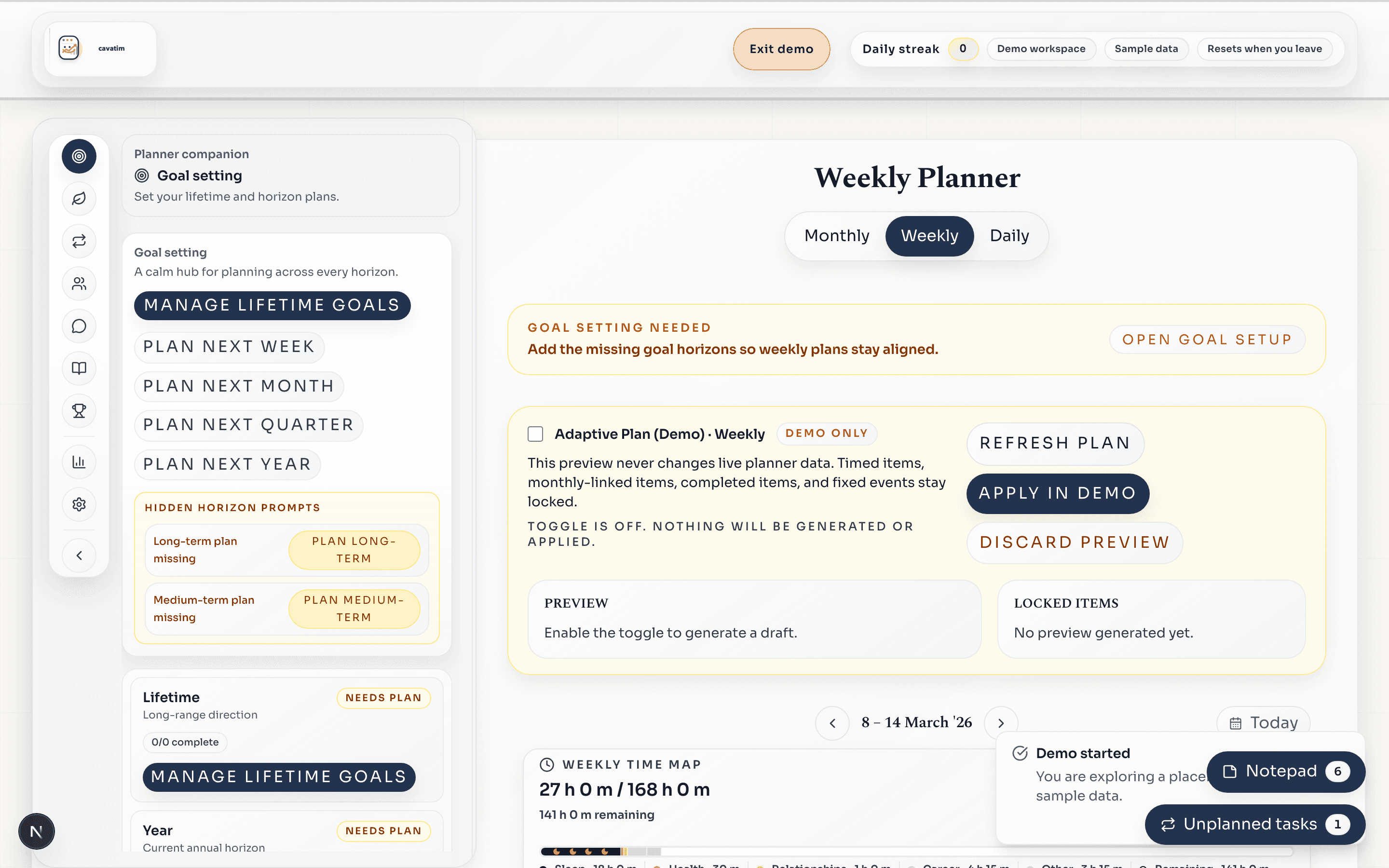
See what actually fits before meetings and tasks take over.
Choose a realistic week, protect time for important work, and keep the plan alive when the days get messy.
What you get
One weekly view
Goals, tasks, and meetings stop competing for your attention.
Protected focus time
Important work gets on the calendar before the week fills up.
A plan that survives
Daily changes do not force you to rebuild the whole week.
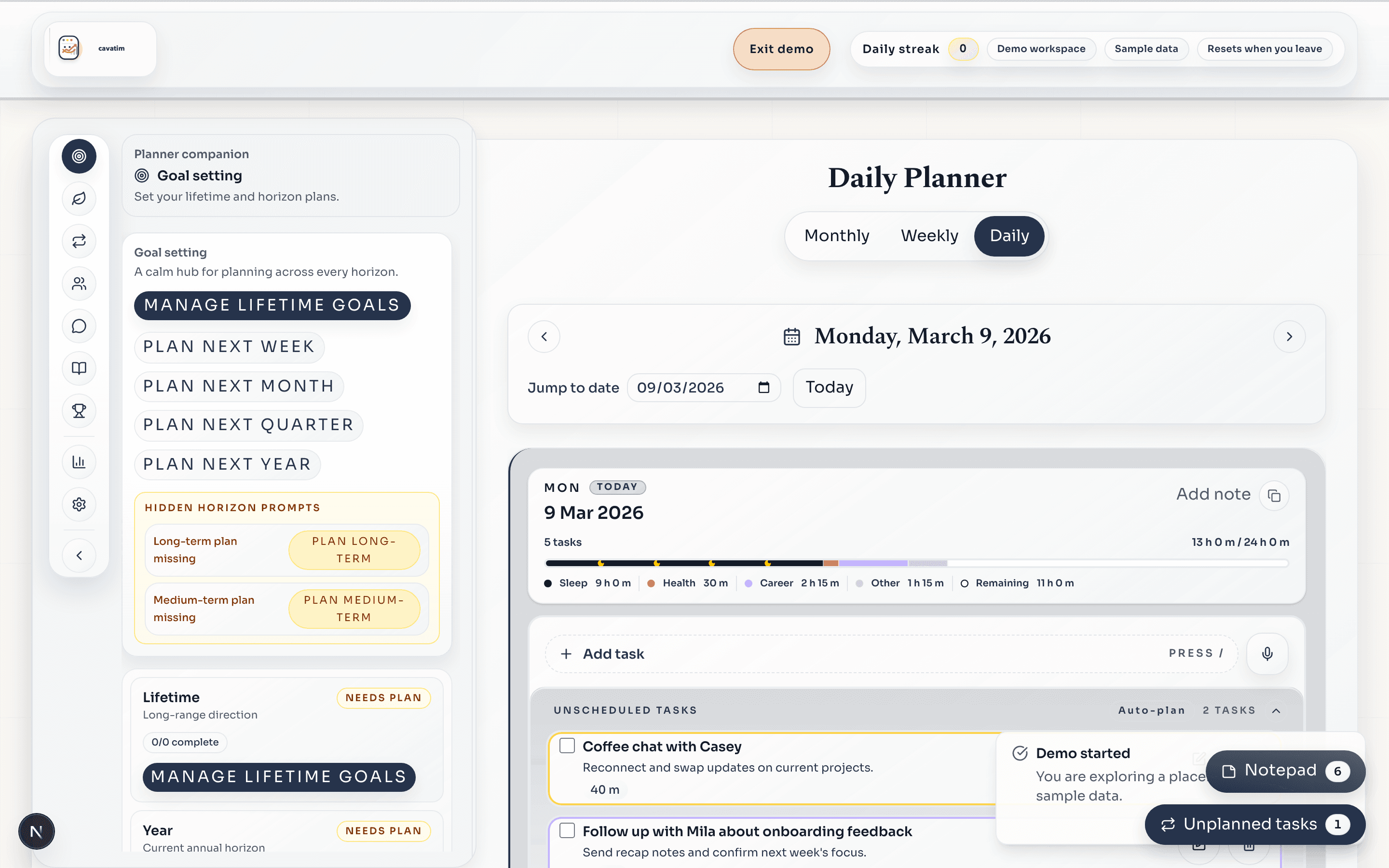
Real interface from the populated demo workspace
See the real load
Month, week, and day stay connected before you commit.
Protect focus time
Put important work on the calendar before meetings take over.
Keep goals attached
The work that matters stays visible all week.
Adjust calmly
Move today around without rebuilding the whole plan.
Why it exists
CAVATIM is for people who already have goals, meetings, and commitments. It puts those moving parts into one weekly system so you can see what actually fits before the week gets away from you.
Without CAVATIM
With CAVATIM
How it works
Real screens from the populated demo workspace.
Goals, tasks, meetings, and routines in one place.
See capacity before you promise the work.
Stay flexible without losing the weekly plan.
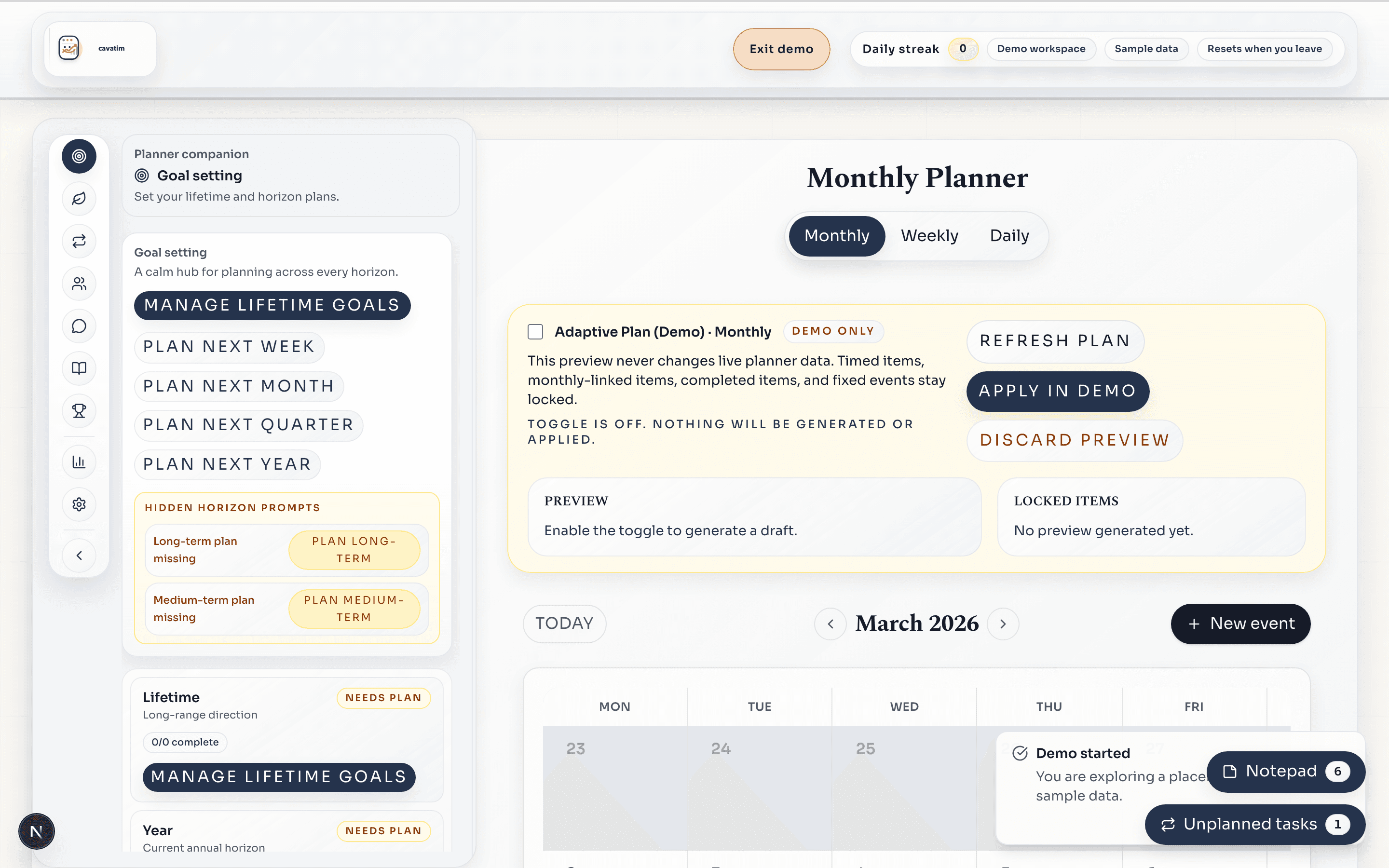
Monthly view
Anchor milestones and key dates before committing the week.
Inside the workspace
The planner, your longer-term work, and your safety rails stay in the same place, so the system is actually usable once the week gets busy.
Longer-term work remains attached to the week instead of living in a separate list.
Recurring work, admin, and routines are easier to plan without copying them around.
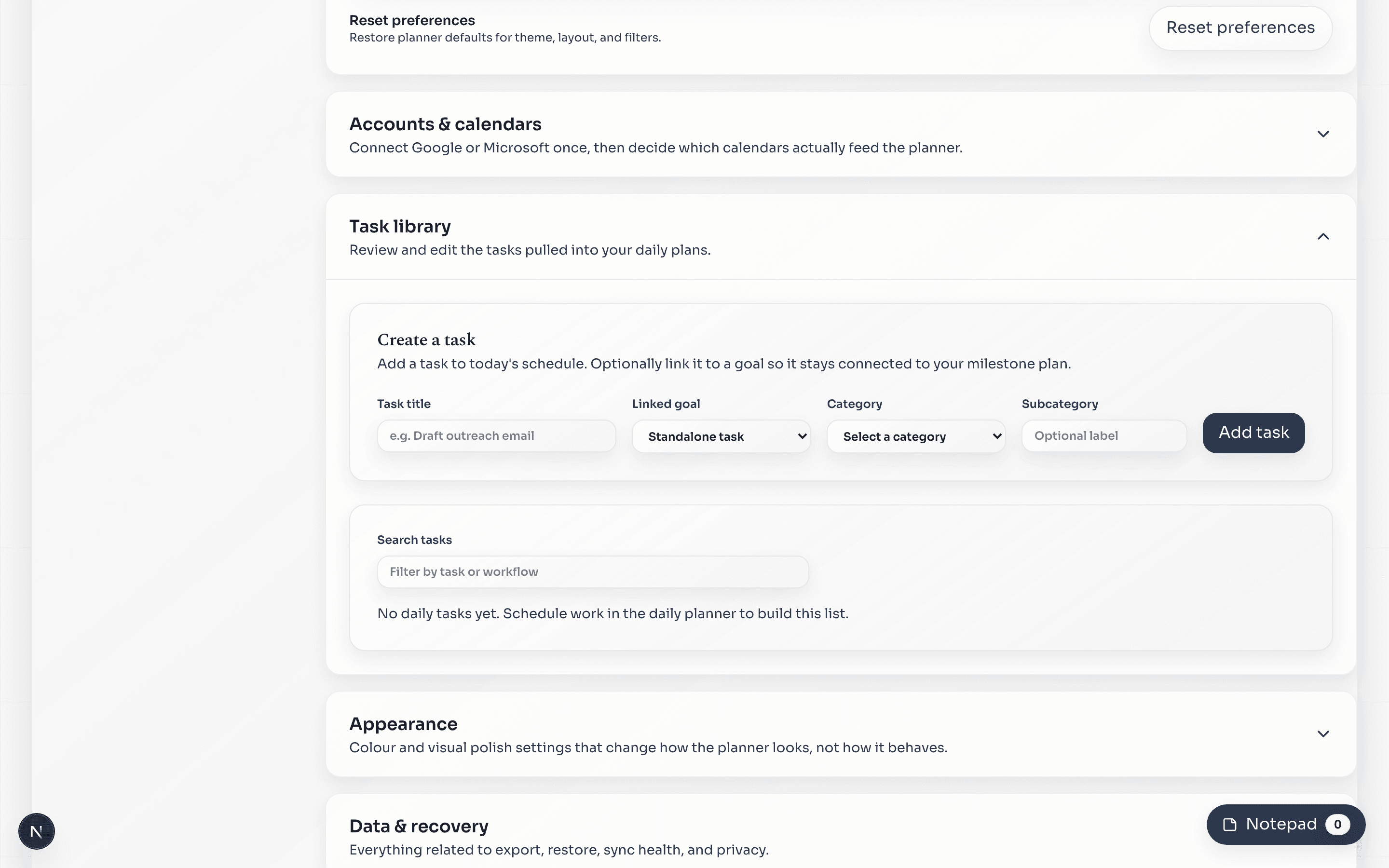
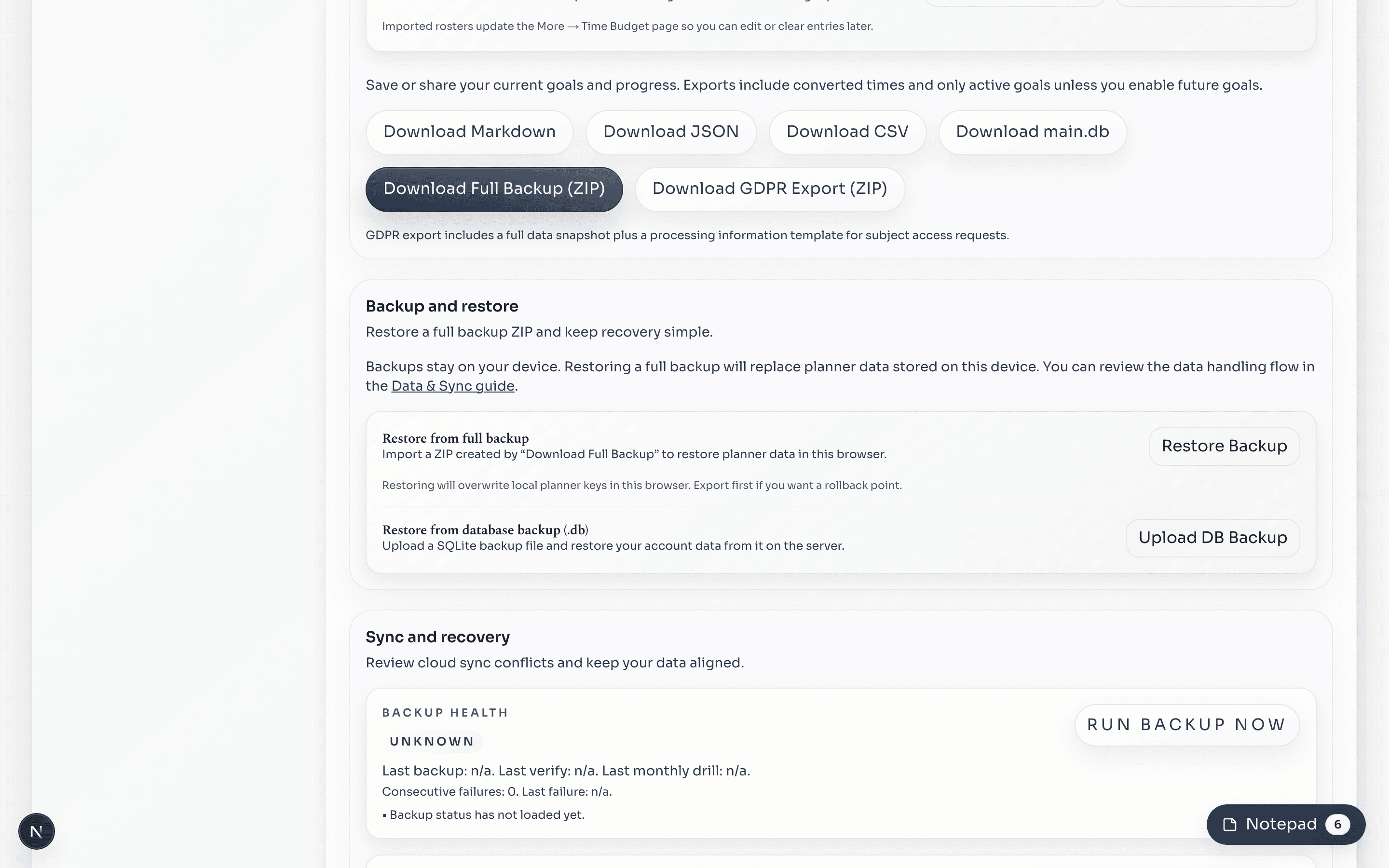
Backups and exports are already in the same workspace when you need them.
Monthly view
Anchor milestones and key dates before committing the week.
Plans
Free gives you the planner and analytics. Plus adds goal setting and the wider planning workspace. Pro adds AI inputs when you want them.
Free
Use the planner, run the week, and review how it actually went.
Plus
Add goal setting, recurring systems, sync, and the rest of the core workspace.
Pro
Bring AI inputs into the workflow when you want extra planning support.